Is it free?
It is free while it is in preview, with no feature held back and no trial clock. If that
changes, it will change for new installs, and it will be said plainly here rather than
discovered by somebody mid-job.
Does anything I capture get uploaded?
No. There is no upload path in the product at all. Captures are files on your disk, the
search index sits beside them, and text recognition happens on your machine using a
component built into Windows. The app talks to exactly one server, to ask whether a newer
version exists.
Do I need an account?
No. There is nothing to sign into and nothing to activate. Install it and it works.
Windows says the publisher is 180 Degrees IT Solutions. Why not ScreenSnip?
Because that is who holds the code-signing certificate, and Windows shows the name on the
certificate rather than the name of the product. 180 Degrees IT Solutions makes
ScreenSnip. Showing you the real signer is the honest thing for Windows to do, even when
it is momentarily confusing.
Does the blur really remove the information?
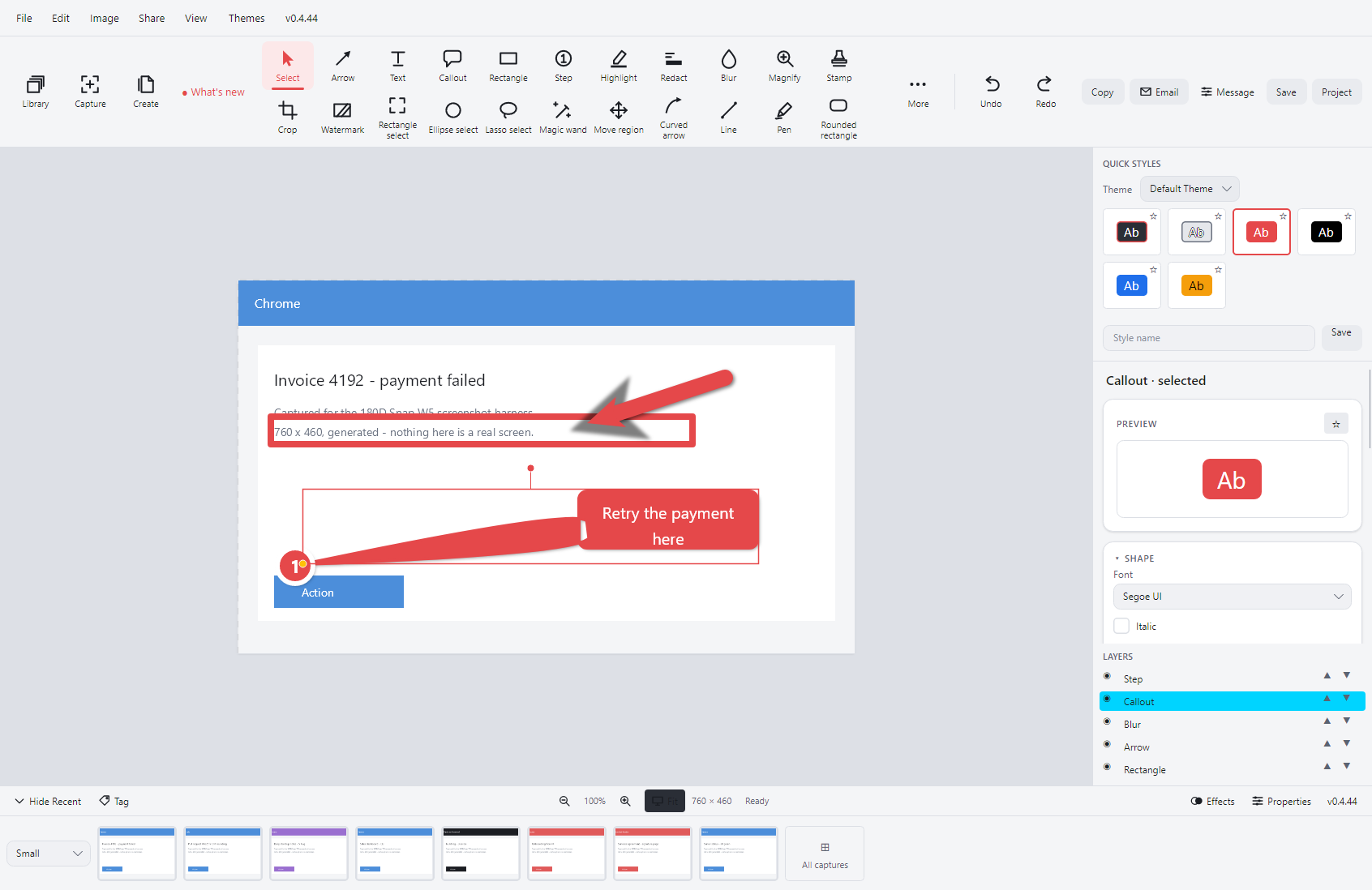
Yes. Blur, pixelate and redaction change the actual pixels rather than drawing a shape on
top of them, so the original cannot be recovered from the exported file. The app also
throws away anything it had already read out of those pixels, including the words in its
search index and any cached thumbnail made from the old image.
How does searching inside a screenshot work?
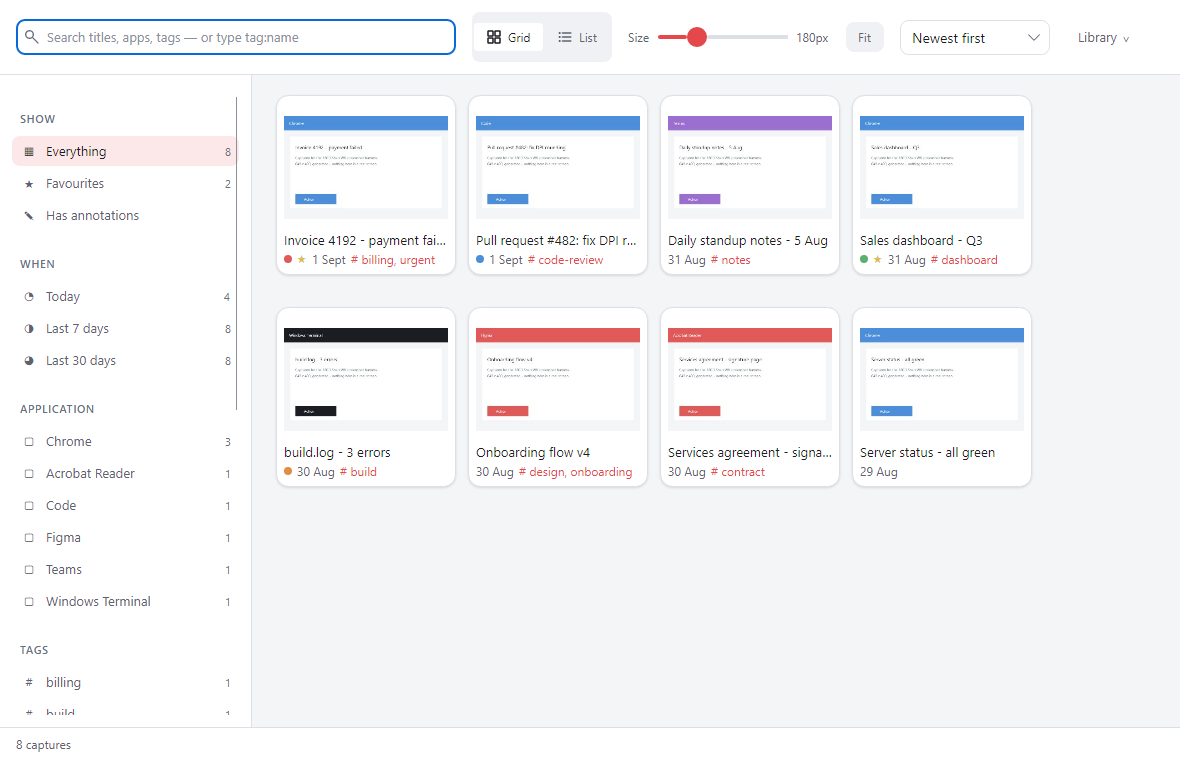
After a capture is saved, the app reads any text in it using the recogniser that ships
with Windows, and stores those words in its local index. Searching looks at the window
title, the application, your tags and that recognised text together. Nothing is sent
anywhere to make it work.
If I lose the app's database, do I lose my tags?
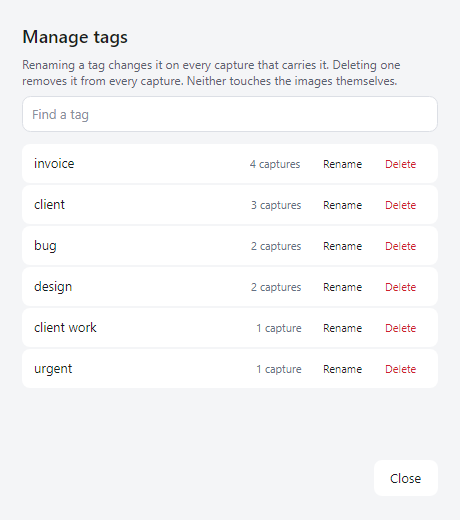
No. Tags, colour flags, favourites and collections are written into the image file itself
as standard metadata. Delete the database, rebuild the library from your folder, and they
all come back. It also means a tagged screenshot carries its tags to another machine, and
that Windows File Explorer can see them.
Can I control it across a company?
Yes. There are Group Policy templates for the settings that matter, including whether
updates are allowed, where they come from, and locking the privacy scan on so it cannot
be switched off locally.
What happens to my screenshots if I uninstall?
Nothing. They are ordinary image files in the folder you chose, and the uninstaller does
not touch them.
Which versions of Windows does it run on?
Windows 10 and Windows 11, 64-bit. There is no macOS or Linux build.